Read more at:
A mesh Wi-Fi system is inherently designed to offer a better experience, in terms of both coverage area and performance, versus traditional single-unit routers. They achieve this by creating a “mesh” network spread across several devices —namely, a core or central unit and satellites, referred to as nodes. Essentially, the nodes work together with the central unit, forming one strengthened and reliable local network. This is why it’s better to use Wi-Fi mesh networks versus range extenders in your home. The common way to set this up, and the easiest, is to buy an off-the-shelf kit from one brand. They come with everything you need, albeit for a slightly higher cost than buying a single, traditional router.
But what if you already have a mesh-compatible router and you just want to expand your network, possibly adding another node or two? You can easily add on to that configuration to expand coverage by simply matching the brand(s) you already have. What about mixing and matching those brands? That could really come in handy when there are steep discounts on a particular model — you wouldn’t be beholden to a single company.
Yes, it is possible, thanks to a standard called EasyMesh. EasyMesh is an official Wi-Fi certified standard that should make it seamless and simple to connect all network devices, regardless of the manufacturer. So, as long as you’re using or pairing devices that are EasyMesh-capable, your network setup should work the same as a single, unified brand installation would. However, “should” is a keyword there, as there may be limitations to consider.
Limitations of mixing and matching mesh router brands
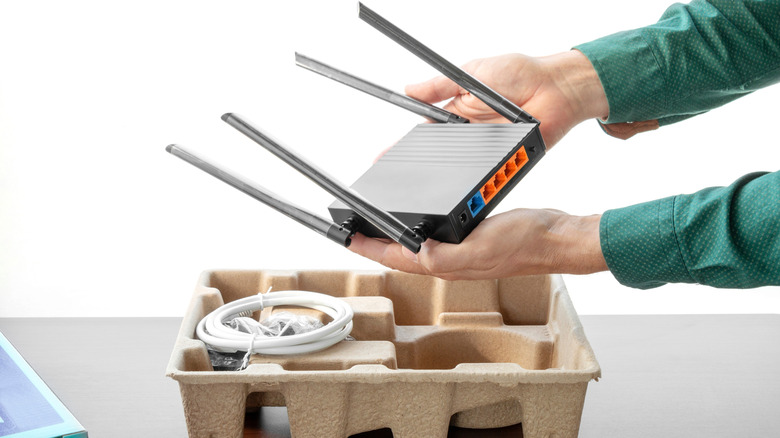
EasyMesh was specifically created to enable interoperability between network devices from different manufacturers. As long as you have an EasyMesh device, like a Netgear with EasyMesh, it should work with a competing model, like a TP-Link EasyMesh device. You can even mix and match Wi-Fi standards as EasyMesh is backward-compatible, allowing Wi-Fi 6 and Wi-Fi 7 cross-brand devices to communicate. In this way, you can mix and match routers and nodes to form your own home network.
The benefits of this are obviously the option to build a more cost-effective system, with standardized connectivity between models. But the real-world experience can lag how it should work in theory. Because many vendors or manufacturers follow different design principles, you’ll really see a difference when using the administrative tools and software; this can result in inconsistencies in performance. Even within brands, seamless roaming may work incorrectly. You may also notice limited feature support between separate brand models, more likely with advanced functions like custom load balancing, virtual SSID setups, and security enhancements like IoT network isolation.
Unfortunately, the experience is going to come down to trial and error, meaning there’s no central database or community for tracking the compatibilities between competing brands. You can always refer to user threads on Reddit and other social media networks to see if someone has used the configuration you plan to. However, despite the EasyMesh standard, there’s always the potential that devices you want to connect will run into performance or compatibility issues. There are also some general disadvantages to using Mesh network setups that you should know about.
Breaking it all down for the real world
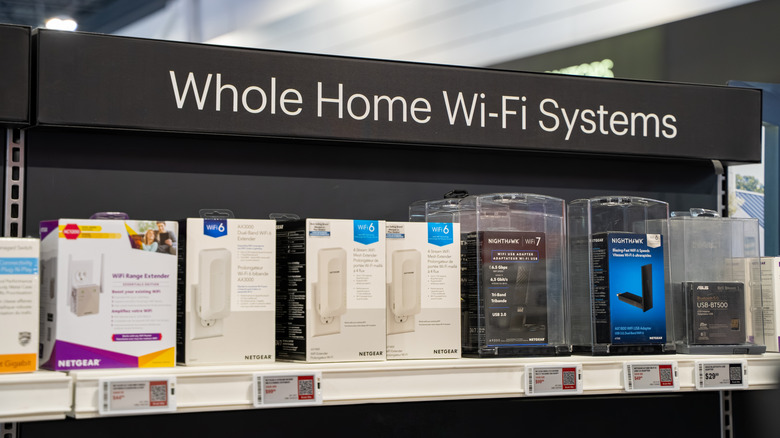
Yes, you can use cross-brand networking setups as long as the devices you want to incorporate into your home network are EasyMesh-capable. When shopping for devices, regardless of brand, look for the EasyMesh moniker or label, but be mindful that you may run into performance inconsistencies and connection hurdles.
If you want to look for EasyMesh, specifically, most brands have dedicated categories. TP-Link, for example, manages a complete list of EasyMesh-capable routers in its arsenal, and Netgear has a list, as well. You should also be able to look for and find the EasyMesh standard in other brands. The most reliable mesh Wi-Fi routers according to Consumer Reports tend to support EasyMesh for a quick win.
Of course, if you’re upgrading anyway, the easier option is to choose router configurations from the same series and brand. That being said, it is nice to know you have the freedom to do otherwise. You should also probably brush up on the list of banned foreign routers before you go shopping.



