Read more at:
When your phone turns off, it shuts down all background processes. Upon turning back on, it initializes everything from scratch, including the operating system, the hardware configurations, and apps that may run in the background on your phone. This happens regardless of whether you choose a restart or power your phone off, and both methods can result in a faster, smoother experience afterward.
The only difference between rebooting your phone and shutting it down is the amount of time it stays powered off. A restart means that it turns on immediately after it stops all processes and starts initialization, whereas when you power it off, you choose when to boot it back up. There is no evidence that powering your phone off offers any real system benefits over simply restarting or rebooting your phone — it doesn’t “deep clean” your phone’s memory, nor does it deal with processes any better than restarting it would. Since a reboot takes significantly less time than turning the power off and turning it back on, restarting your phone is almost always the better option.
Just like how often you should clean your phone depends on your specific needs, how often you need to reboot a smartphone differs from person to person. Most experts recommend that you at least do it every once in a while if you want to continue using your phone for a long time or are dealing with a laggy phone.
When should you power off your phone?
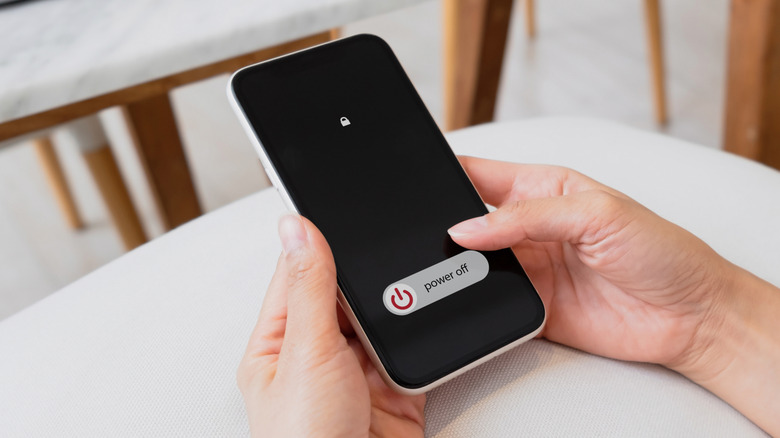
When it comes to the technology and how the system behaves, there’s no advantage to powering your phone off compared to restarting or rebooting it. However, there are cases where controlling how much time your phone stays powered off can be better than a quick and immediate reboot.
For example, if you need to conserve your phone battery, keeping it powered off can be a good idea. Do note that the battery saved is minimal, since the difference in battery percentages will generally be single digits if you shut your phone down versus letting it stay on in sleep mode. Additionally, your phone eats up a small burst of battery when booting up, so unless you’ll have your phone off for 8-plus hours — such as when you’re asleep — we don’t recommend powering your phone off just for the battery advantages.
Another scenario where fully turning off your phone’s power can help is if it’s overheating badly. If your phone is throttling performance due to graphic-intensive work or using the device outside in the sun, then closing all system operations is the best way to cool it down. If you restart your phone in this case, even if the background process shut down once, they’ll simply restart — compared to shutting it off, where all stress on the phone will cease until you turn it back on. You may also need to turn the power off when you’re fixing your phone at home, such as when you’re replacing a battery or before entering the Android recovery menu.



