Read more at:
Unlike iPhones, Android phones can give you so much more information at a glance, whether you like it or not. Maybe you don’t exactly care about every one of those icons in your notification bar at the top of your screen. That’s fine, you’ve got ways to turn at least some of those icons off. But if you’re wondering why you a see number attached to your Wi-Fi icon, don’t worry, it usually means you’re using a better signal than on other local wireless networks.
Depending on the number you see, those special indicators are telling you that you’re using Wi-Fi 6 or 6E (802.11ax), Wi-Fi 7 (802.11be), or even Wi-Fi 8 (802.11bn). Furthermore, phone makers are able to customize Android implementations down to specific details like this, and are able to update them any time. While you might have seen Wi-Fi 6 or even 6E indicators in the past, you might not be seeing them nowadays because your software now only distinguishes Wi-Fi 7 or 8 networks for the sake of showing off the latest network protocol.
What’s so special about these Wi-Fi networks?
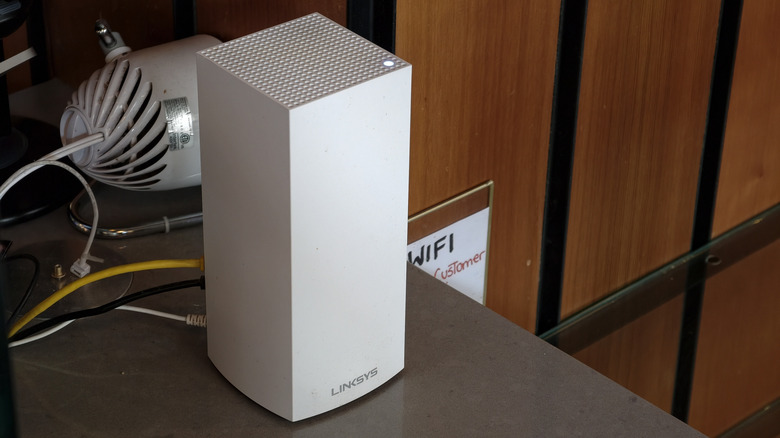
Wireless internet access is essential to a society where conferencing, commerce, and recreation happen online every day. The reality is that Wi-Fi routers can do their jobs without any real maintenance for years. As of writing, Wi-Fi 8 is the emergent update that hasn’t quite hit the market yet, at least with consumer devices. However, if you’ve purchased a flagship-level phone or tablet after 2024, your device will almost certainly support Wi-Fi 7.
At the moment, many home networks around the world still use Wi-Fi 5 (802.11ac) or even Wi-Fi 4 (802.11n) routers, with their standards dating back to 2013 and 2009, respectively. You may see Wi-Fi 6, 6E, and 7 networks more often in public settings like retail or other businesses. When you use your phone on one of those networks, the telecom industry is able to take an opportunity to promote your experience by making sure you know you’re on a state-of-the-art Wi-Fi network. Who knows? That icon might just mean a new router sale.
If your Android phone isn’t displaying a number on your Wi-Fi icon, that just means you’re on a Wi-Fi standard that isn’t the very latest. You’re always able to look up your network’s specification by going to your system settings, then selecting Wi-Fi, and then your current network. On the router front, those who have access to gigabit internet should have one that supports Wi-Fi 5 at the very minimum, as it was the first spec to enable transmissions at those rates. Even if both devices support newer Wi-Fi standards, connections can fall back to previous standards if interference or a fault occurs.



