Read more at:
Apple’s MacBook Air is one of the most popular laptops, thanks to its sleek design, powerful M-series processors, impressive battery life, and (somewhat) reasonable pricing. It also leverages the popular USB Power Delivery (USB PD) standard for charging, which lets you charge it using any compatible third-party USB-C charger. More importantly, the USB PD standard negotiates the connection between the charger and the MacBook Air and learns how much power the laptop can accept. As a result, charging a MacBook Air using a 100W plug or even a more powerful wall adapter is perfectly safe, as long as the adapter is USB PD-compliant.
The power brick will only send as much power to the MacBook Air as it can safely handle. However, this also means that charging your MacBook Air using a 100 W or higher power brick doesn’t necessarily mean it will charge faster. Different MacBook models are rated for different fast charging speeds, and plugging in a higher-powered adapter doesn’t make a difference.
How fast can a MacBook Air charge?
Although Apple doesn’t explicitly state the charging speeds of different MacBook Air models, the company mentions the required wattage for a power adapter to enable fast charging. According to the company, MacBook Air models released in 2022 or later (basically with an M2 or newer chip) need at least a 67W power adapter for the 13-inch model and a 70W power adapter for the 15-inch model for fast charging. These figures are pretty much in line with third-party testing done by ChargerLab that showed MacBook Air models topping out at around 70-72W. Therefore, if you have a 70W or higher USB PD-compatible power adapter, you will be able to charge your MacBook Air at top speed. The older M1 MacBook Air is, however, limited to 45W charging.
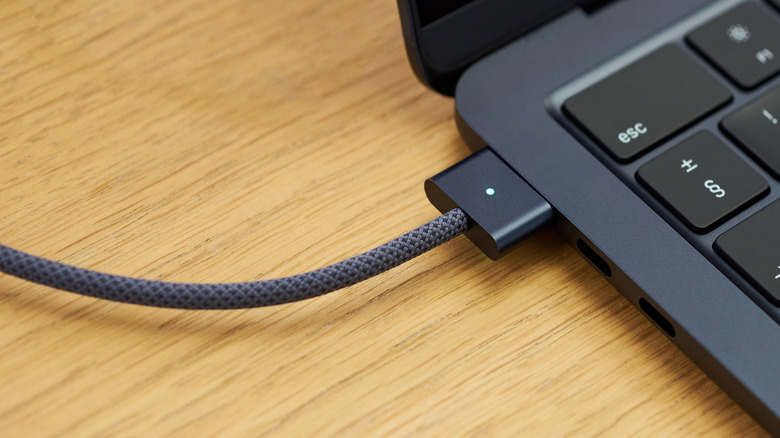
It’s important to remember here that besides the power adapter and MacBook Air model, the USB cable you use for charging is equally important. Using the MagSafe cable bundled with your MacBook Air is typically your best bet; however, if you don’t have that on hand and want to use a USB-C to USB-C cable for charging, make sure it’s a high-quality 5A cable, as those support charging at more than 60W. Otherwise, your charging speeds may drop.
While fast charging is good and helps you top up from zero to 50% in around 30 minutes, you don’t necessarily need it to charge your MacBook Air. According to Apple, a 30W power adapter is sufficient for 13-inch MacBook Air models (with USB-C or MagSafe), and a 35W power adapter is good enough for the 15-inch variant.



