Read more at:
So it’s the end of a long day, and you want to kick back, relax, and play your Sony PlayStation 5. You turn on the TV and the console. However, there’s something wrong with the video. Either the screen keeps flickering, the video cuts in and out, or there’s a black screen with a “No Signal” message. These are all signs there’s something wrong with the HDMI port. You can confirm by trying a different cable or TV. You can also inspect the HDMI port for bent pins and other signs of damage. Once you confirm, it needs fixing.
If you don’t have soldering skills and your PS5 is past its warranty period, you’ll need professional help. But most repair services will charge you between $150 and $200 on average. It’ll all depend on whether there are other issues they have found. Once you agree to the repair service’s terms, repairing the HDMI port, which usually involves removing the old one and soldering in a new one, will take about a day.
You can repair the port yourself, and costs will be significantly cheaper. You can get a DIY HDMI repair kit for your PS5 for less than $10 on Amazon. However, on top of soldering skills, you’ll need good equipment. You’ll also need to take the PS5 apart, all the way to the motherboard level, and you can accidentally cause more damage that’ll increase the repair bill even further.
Why does repairing the PS5’s HDMI port cost so much?
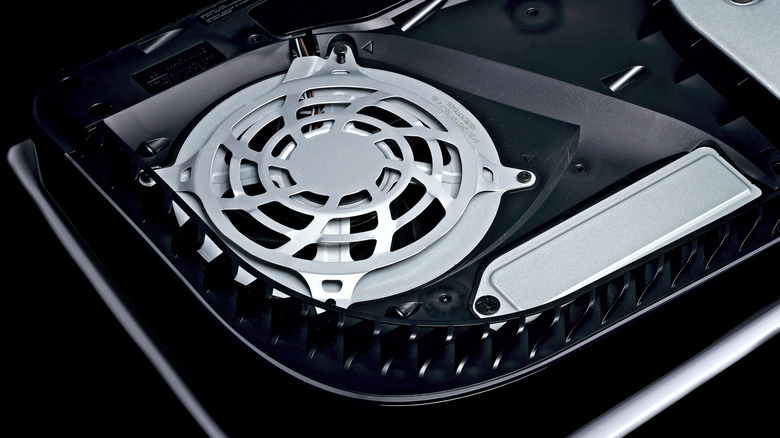
Paying up to $200 for a PS5 HDMI port repair is moderately expensive. However, it’s better than replacing the entire PS5 console, which now starts at $599.99 for the PlayStation 5 Digital Edition after Sony raised prices in April 2026. Professional repair services charge this much because repairing an HDMI port is precision work that requires a steady hand. It’s not as if they’re just removing the covers, pulling out the faulty HDMI port, and inserting a new one. The port is soldered to the motherboard, so this kind of repair is usually more involved.
The repair professional will diagnose the problem to see if it’s just a bad HDMI port or if there’s greater damage to the motherboard (if the console was dropped, for example). For a standard HDMI replacement, they open the PS5 and remove the motherboard. Then, they’ll use a hot air rework station to remove the old HDMI port using their soldering skills (a professional will sometimes use a soldering magnifying glass to see better).
The solder pads will then be cleaned before soldering on the new HDMI port, while ensuring the pins align perfectly. Then, they’ll test the PS5 to see if the fix has worked. If it all checks out, you pay about $150 for that standard HDMI repair job. When there’s additional motherboard damage, that’s when the price trends upward toward $200.
Can I still play on my PS5 if the HDMI port is broken?
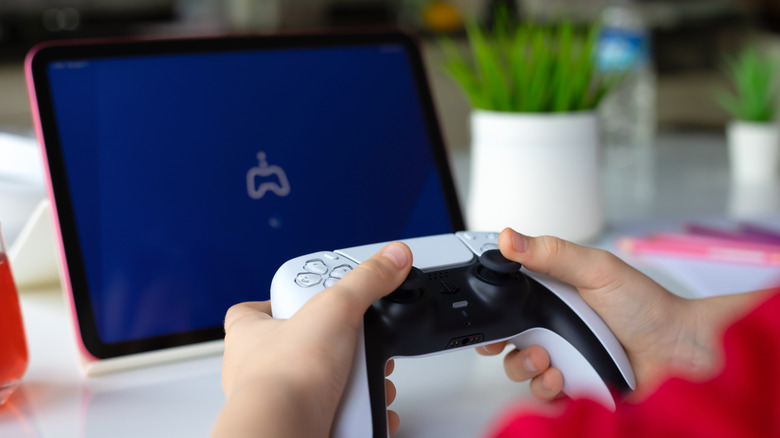
A broken HDMI port won’t output video, but if Remote Play is enabled, you can start a session. You’ll need an updated PS5, the PS5 Remote Play app, and a stable internet connection with speeds of at least 5 Mbps. If you’re on a PC or Mac, you must connect the DualSense controller to the computer via USB. On mobile, you can connect the DualSense controller to your phone via Bluetooth. Now, turn on the PS5, open the Remote Play app, sign in to your PlayStation account, and select the PS5 to start a Remote Play session. If you haven’t enabled Remote Play yet, you can do it blind, but if there’s more than one profile on the PS5, it can get complicated. If yours is the only profile, do the following:
-
Turn on the PS5.
-
Wait about two minutes for it to get to the log-in screen.
-
Press X to log into your profile. If it’s got a passcode, enter it.
-
Press Up once, Right three times, and then X to select Settings.
-
Press Down three times, and then X to select System.
-
Press Down five times, and then X two times to select Enable Remote Play.
-
Press X to toggle on Remote Play.
Now you can use the PS Remote Play app to log into your PS5. If Remote Play fails, try professional repair in case there’s a bigger problem.



