Read more at:
Having to delete photos, videos, and apps from your phone because storage is full and cloud space is limited can be a nightmare, especially on older devices that you still use. While newer iPhone and Android handsets have plenty of storage, starting at 128 GB or 256 GB of flash memory, older models may not have that luxury. Those are the users who may run into storage problems, especially less experienced users who don’t necessarily know how to back up their data to the cloud. While the iPhone already supports local backups, Android doesn’t have a similar feature to help users move some of their data to a computer to free up space on the handset. However, Android Authority discovered that Google is already testing a feature that may be available to users in the near future via Quick Share.
Quick Share already lets users transfer data between Android phones and computers. The ability to back up specific Android data to a computer with spare storage would allow users to periodically transfer some of the data that matters most, like photos and videos, to a PC. Photos and videos take up plenty of storage on Android devices, especially the longer clips. Moving them to a computer would let the user free up storage space on the Android phone without relying on a cloud subscription service, like Google Photos, for backups. That said, the newly discovered local backup tool may be more limited than what the iPhone offers.
How Google’s PC backup tool may work
Android Authority found a feature called “Automatic backup” in a beta version of Google Play Services. As the name implies, the feature automatically copies files to a PC. While Google has not announced the feature or plans to release it, Android Authority managed to make some of it work. The backup feature will appear in the Quick Share settings, where users choose how to back up data and what files to move.
While the feature is called “Automatic backup,” screenshots that the blog shared indicate that users will also be able to manually back up information to their PC if they don’t want the process to happen automatically. The screenshots indicate that users will be able to back up three types of files: photos, videos, and audio files. The description for “Automatic backup” singles out pictures, informing the user they can back up photos using devices in their household. The user interface suggests users will be able to choose which computer to use for the backups.
As for file transfers, the process relies on Wi-Fi connectivity, though it can also happen over a cellular network. It’s unclear whether a wired connection would also work, as with local iPhone backups. Users with metered mobile data plans should avoid using their data plan for backups. Also, it’s unclear whether the PC backup will support multiple operating systems. For now, it seems to work with Windows devices. Finally, users who may want to use the feature when Google rolls it out should ensure they have plenty of free storage on the computer they plan to use to back up Android data.
Will Android backups be as good as iPhone’s?
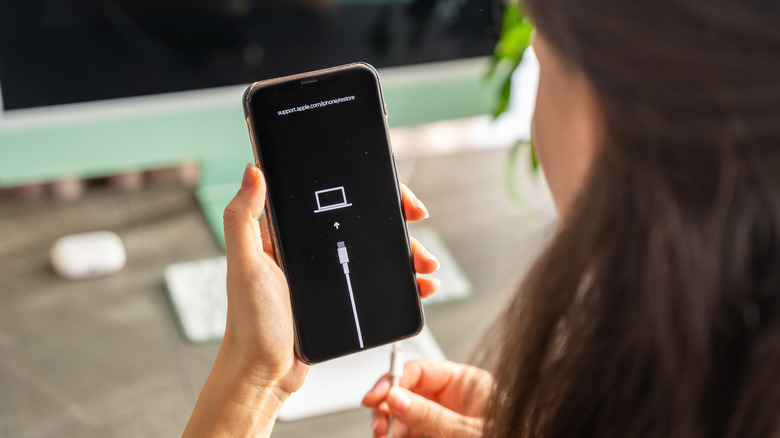
Apple has offered local iPhone backups since the iPhone’s introduction. All you need to do to start backing up the iPhone to a Windows PC or Mac is to connect the handset to the computer with a USB cable and use the appropriate software to start the backup. Unlike Google’s tool above, Apple lets users perform full iPhone backups on their PC. That means users can restore their data from computer backups just as easily as restoring from an iCloud backup. The process can be useful when upgrading iPhones or switching devices. A local backup also allows iPhone users to save money on iCloud storage and can come in handy if the handset is lost or stolen.
The Quick Share tool Google is testing is more limited, at least according to Android Authority. The service can be used to move data between an Android phone and a Windows PC, but there’s no indication that Android device owners can restore their device from a local backup, since personal data and apps aren’t part of the backup.
Apple also lets iPhone users encrypt local backups, in which case the backup will also save passwords, Wi-Fi settings, website data, call history, and Health data. This information isn’t saved in unencrypted backups. Locking local backups with a password would make restoring data to a different iPhone even faster, as all the settings and login information would be in place for the user’s apps.



