Read more at:
With smartphone and tablet software updates, most people know the drill. Whenever available, your phone will download and install the update, sometimes even automatically and at scheduled times if you have that option enabled in system settings. Generally, the phone will also restart automatically after an update is applied. But what if it doesn’t restart on its own? Should you still restart your device? The answer is yes. However, since most updates require a restart anyway, this question will really only apply to specific scenarios.
Rebooting is a good way to clear temporary files, flush the memory, and restart the system kernel anew, resolving various issues. That’s also why a restart often fixes a lot of simple problems you might be having. If you’re wondering how often you should restart your phone outside of updates, the answer is regularly — ideally on a weekly schedule. There are a few other maintenance tasks you might want to do after a system update, as well. Some best practices include wiping the cache partition or temporary files manually, optimizing your device, reviewing settings to make sure your choices are saved, and potentially resetting network settings. An important distinction to make here, though, is that this explicitly applies to system software updates, not individual app updates.
Power cycling or restarting your phone has a lot of benefits
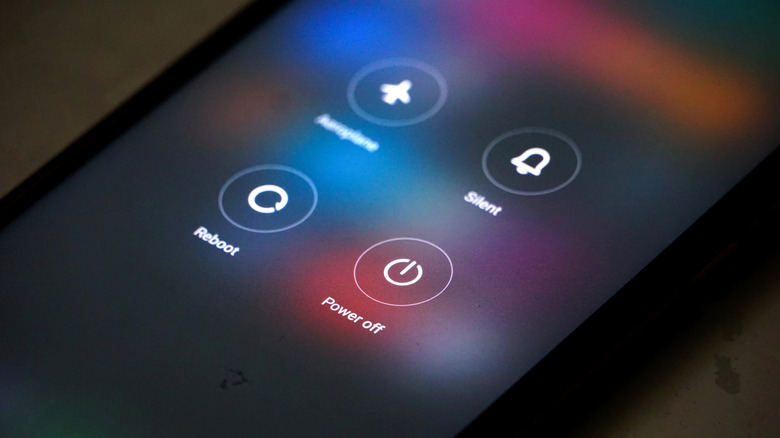
Restarting your device can do a lot to improve your overall experience and boost the system’s performance. This is true of both Android and iPhone devices, but it also extends to almost all electronics, including handheld game consoles, laptops, desktop PCs, smart TVs — you name it. If you consider how often you should restart your PC, the answer is pretty much the same as how you’d handle your phone; at least weekly is a good choice.
But the benefits of a routine power cycle of your phone extend far beyond performance, usability, and even just general maintenance. Power cycling a device can also improve security. It’s so helpful that the National Security Agency recommends rebooting your smartphone – personal or work phone — on a weekly basis. It can disrupt cyberattacks and malware by cleaning out background apps and processes that may be running without your knowledge. In fact, one of the things that happens if you leave your Android phone on all the time, iPhone too, really, is that it becomes a greater security risk.
When in doubt, reboot or restart. It can’t hurt.



