Read more at:
Nothing is worse than spending a few hundred dollars on a new product and ending up with something that doesn’t work right. Even when buying from brands with solid reputations, taking the time to look up individual products, reviews, problems, and solutions is worthwhile. Sennheiser headphones are a great example of this. The brand’s headphones generally have a strong reputation for both high sound quality and reliability, and a few earn spots on the ranked list of major audiophile headphones. Plus, the customer product ratings on their website are usually above four stars, and some even have a full five out of five stars. When you start digging deeper, though, you’ll find that there are a number of common problems across their headphones, especially in recent models. Some are avoidable, such as preventing connectivity issues by buying a wired pair, but others you may have to figure out how to fix.
Among the most popular models are the Momentum 4 Wireless, HDB 630, HD 560S, and IE 200, a mix of wireless over-ear headphones, wired over-ear headphones, and wired earbuds. The most popular pair, the Momentum 4 Wireless, rely on a Bluetooth connection, so connectivity issues are commonly reported. Other users have reported problems with the battery and charging for wireless models. Another concerning one for audiophiles is the complaints about sound quality. Luckily, Sennheiser provides support for problem-solving, repairs, and replacements. Correctly diagnosing your problem and doing some troubleshooting might help you get back to listening quickly.
Bluetooth headphones won’t pair with a device
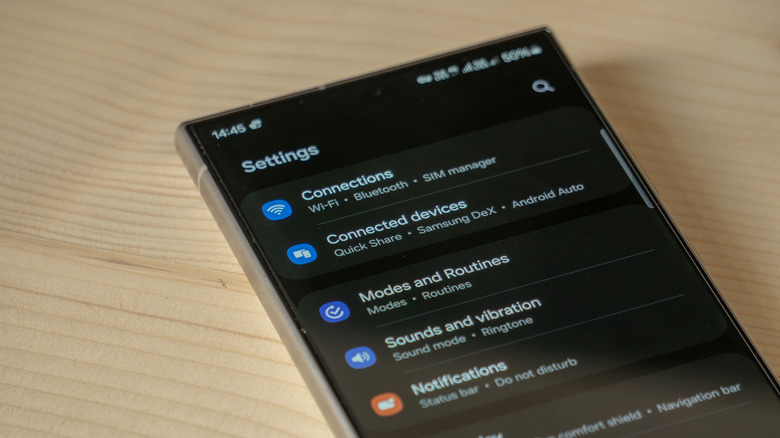
While not everyone who has Sennheiser headphones will deal with Bluetooth connectivity issues, for those who do, it’s among the most frustrating because it significantly limits usage. While Sennheiser’s wired models have a reputation for reliability (just read what Sennheiser owners say about how long their headphones usually last), newer wireless models are known to have some issues. The Momentum 4, in particular, has Bluetooth connection failure as a common problem.
Bluetooth connectivity issues are easy to notice. Your device may not connect to the headphones at all, the connection may not display in your Bluetooth settings, or the headphones may not play the sound indicating a successful Bluetooth connection. If you notice these or other indications that a proper pairing is not occurring, there are a few ways to troubleshoot the problem. The good news is that many owners have posted their troubleshooting experiments and results.
If you’re experiencing Bluetooth issues, start by ensuring your device is compatible with the mobile app or device. Then, try turning both the headphones and your other device off and then back on. Ensure both devices are in pairing mode, then try to connect again. If the issue is with your mobile phone, make sure your device was released later than 2018 in order to support Bluetooth LE and the necessary app. Also, make sure that everything is updated to the latest software. If you regularly connect more than six devices to your phone and one isn’t automatically connecting, it may have been overwritten and just needs to be re-paired. If none of the above steps help, Sennheiser also recommends a factory reset and complete unpairing.
Inconsistent sound issues
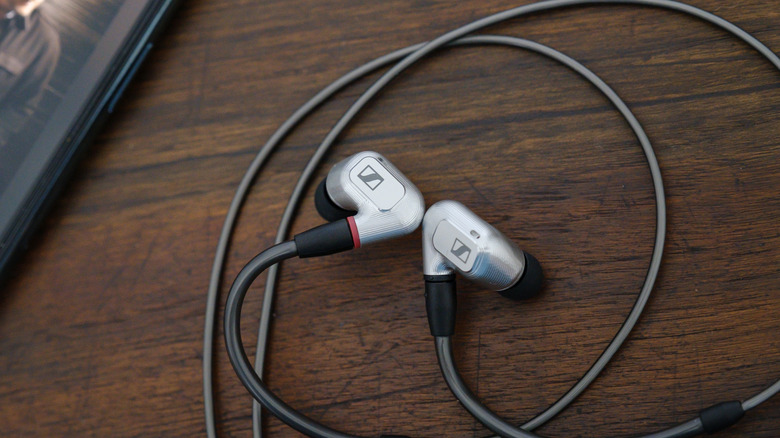
Another reported problem for some Sennheiser owners is inconsistent sound. This may present as one side of the headphones or one earbud cutting out, becoming quieter, or not working at all. You may also experience static sounds, popping, or crackling. The source of these kinds of problems can be hard to pin down, but there are a few simple things to check before sending your headphones off for a repair. First, make sure it’s not a connectivity issue such as a poor Bluetooth connection or a faulty cable. Then, check your headphones’ audio balance settings to see if one side is programmed louder and adjust as needed. If it’s not either of these, look to the headphones themselves.
On over-ear headphones, an improper install of the ear cup could cause imbalanced audio. Look for any odd gaps or differences in fit between the two ear cups. If there is a misalignment, you may be able to gently press it into the correct spot. They may even click into place, letting you know it worked. Another common cause is humidity. Many Sennheiser headphone users report that adding a desiccant packet (often silica gel) to the ear cups is a quick and effective fix. Even just laying the headphones in front of a fan so they can dry out from sweat and air moisture between uses can help. You should also check out the gross reasons why your headphones might become quieter over time, as they might just need a good clean.
Battery and charging issues
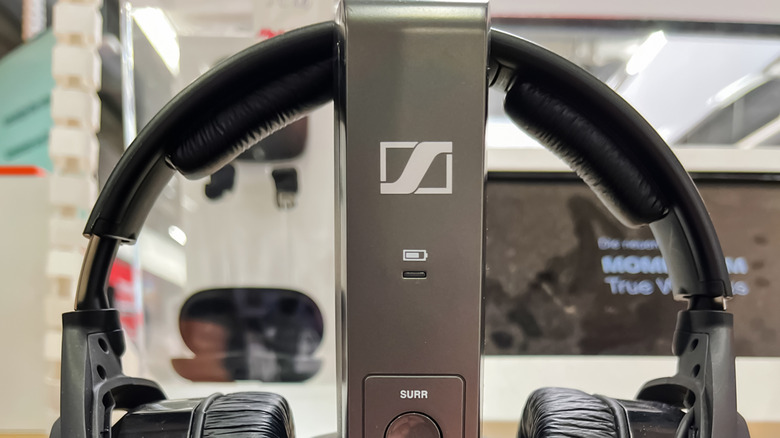
Simply charging your headphones may also help with temporary audio issues, but a quickly draining battery is a commonly reported problem for Sennheiser wireless products. Like all rechargeable batteries, the capacity will deplete over time, but some people find that the battery life decreases dramatically and suddenly. Before assuming the battery is in trouble, you should try turning off Active Noise Cancellation and Bluetooth and lowering the volume. Ensure that the software is up to date and that the charging case is fully charged, if you have one.
If the headphones aren’t charging, make sure that the outlet, power adapter, and cord are all in good condition, swapping out each element to make sure each works. Some people have found success holding down the power button for 30 seconds if everything is working but the headphones aren’t registering a charge. After trying all of that, if you are still experiencing issues, then there may be an issue with the battery itself. According to Sennheiser, only the HDR 275 and HDR 255 can have their batteries replaced by users. Others are supposed to be serviced only, though there are third-party battery replacements out there.
Overall, most common Sennheiser issues are related to newer wireless models rather than the tried-and-true wired models. However, if you have a pair of headphones you love, there are plenty of ways to troubleshoot before needing to buy a new pair.



