Read more at:
In February 2026, Samsung launched the Galaxy S26 with loads of cool new features, like the S26 Ultra’s Privacy Display, AI call screening, and new camera capabilities, including improved photos in low-light settings. But the new handsets also have some secondary systems that Samsung didn’t highlight, namely a hidden camera feature. These Galaxy S26 phones can be used as webcams with your computer, a feature that Google made available to Pixel phones back in 2023. Laptops already feature built-in cameras, and desktop users can buy external webcams for their setups.
These come in handy for work-related video conferencing sessions, personal video calls, and recording events for social media. However, using the more advanced camera systems available on mobile devices may offer better image quality than the default webcam. Also, instead of using a Galaxy S26 or Pixel device to join Zoom calls directly, you might consider connecting your smartphone to a PC with this webcam feature. That way, you can take advantage of the larger display, which is especially useful for video calls with multiple people.
How to use the Galaxy S26 as a webcam
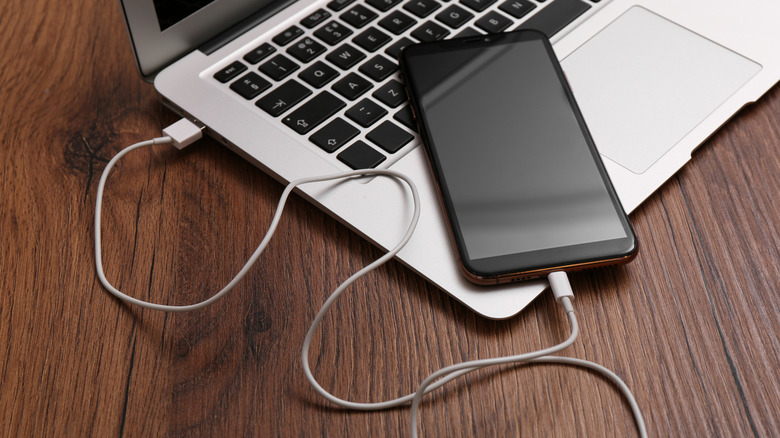
In 2023, Google unveiled webcam support to the Pixel Fold and Pixel 6 (or later) devices. The feature was exclusive to certain Pixel devices initially, and required UVC (USB Video Class) support with a data transfer-capable USB cable. To use a Pixel phone as a webcam, you need to connect it to a computer via USB, tap “Charging this device through USB,” and select the Webcam option under the “Use USB for” menu.
The new, more refined Galaxy S26 smartphones now support the same webcam feature and use the same process to enable it. Galaxy S26 phones also offer a High Quality Mode that can improve the webcam experience. However, this mode increases the power draw and can heat up the handset, which is indicated by a pop-up notification. There are no limitations when it comes to the computer connected to the Galaxy S26, which means you should be able to use this Samsung phone webcam feature with any PC operating system.
Other ways to turn your phone into a webcam
While Samsung was slower to adopt the webcam functionality that Google built into Android, Samsung phones do have their own webcam mode. It’s a feature called Camera sharing that works with Galaxy phones running One UI 6.1 or higher. The Galaxy S26 series runs Android 16 with One UI 8.5, so it will also support it. However, it is more restrictive than Google’s webcam mode as Camera sharing works only with other Galaxy devices.
The advantage of this feature over Google’s implementation is support for wireless connectivity. It is designed so that you can wirelessly move a video call from a Galaxy tablet or laptop onto your smartphone for improved portability. Android users can do something similar with Microsoft’s Link to Windows app.
They’ll need Android 10 (or later) and a PC running Windows 11 (or later). Link to Windows would also work with Galaxy S26 phones, allowing owners to connect with Windows computers via Bluetooth. Like Samsung’s Camera sharing, Microsoft’s feature works wirelessly. That said, it may be a good idea to connect the phone to a power source when using it as a webcam for longer video chats.



