Read more at:
As the technology that we use continues to evolve, the humble webcam hasn’t seen all that much improvement in what seems like decades. Many even suggest that newer 4K webcams are a scam, with many of those devices simply being 2MP 1080P-capable cameras using software to fake a 4K image.
Users across the internet have been venting their frustrations with how little webcams have improved over the years, as computers get more and more powerful. This has led many to realize that there simply isn’t a need for a dedicated webcam anymore, especially for those looking for quality video thanks in part to that little device most of us keep in our pockets.
The smartphone has revolutionized how we communicate through multiple mediums, such as phone calls, text messages, and even videos. It’s the latter that has made the need for a dedicated webcam a thing of the past. Just about every modern smartphone, especially the most recent devices, has camera capabilities that outshine even the best consumer-grade webcams currently on the market.
Your smartphone is the best webcam you own
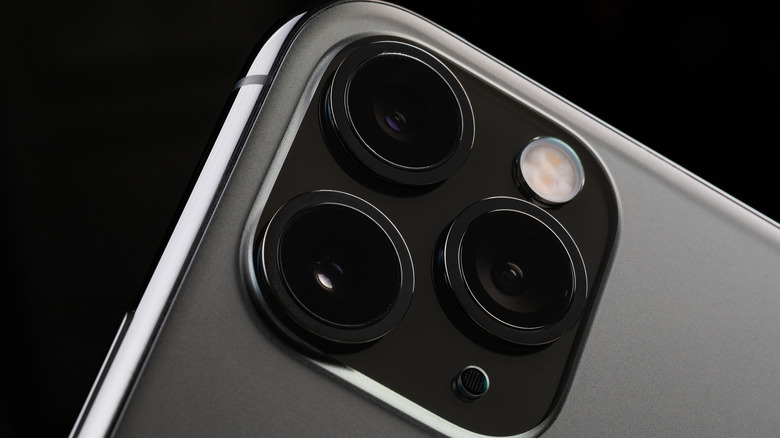
My daily smartphone is a used Google Pixel 6 Pro, and my backup device is an old Google Pixel 4 XL. Comparing the cameras on these two sub-$200 devices to a webcam like the new Razr Kiyo 2 that released in late 2025 and retails for around $150 shocked me.
The Pixel 6 Pro, Google’s 2021 flagship, has cameras that can shoot video in 4K at 60 fps, while the Kiyo 2 can only handle 4K at 30 fps, equal to that of the Pixel 4 XL. Chances are the current smartphone you are using will work better than just about every sub-$100 webcam on the market today. This is why I’ve been using my old Pixel 4 XL as my main webcam.
Not only that, but it can do a whole lot more considering it’s a full-fledged smartphone, making the need to purchase a dedicated webcam a thing of the past. It’s also pretty simple to turn your smartphone into a webcam, but you’ll need a couple of things before you get started.
Software makes it all work

The most important thing you’ll need is software that lets you use your smartphone as a webcam. Applications such as Camo or Iriun, which we covered before, are great options that work on both Android and iOS. Simply download the apps onto your smartphone and the corresponding software for your operating system.
This combination will give you control over your video and allow you to route it to the most popular video streaming platforms, such as Zoom, Teams, Discord, and even Twitch, through platforms like OBS. You can then leverage your camera’s capabilities for crystal-clear meetings, sales calls, and streaming online.
When not in use, you can easily disconnect your smartphone and not worry about any camera privacy issues from having a webcam always plugged in. The only other tool that you may need is a mount, like the NEEWER Continuity Camera Mount that sells for around $12 on sale. It’s easier to justify spending less than $15 on a camera mount for high-quality video than upwards of $150 for a webcam that will look noticeably worse.



