Read more at:
There are a few ways to connect a soundbar to your living room smart TV. The HDMI ARC or eARC port is one common method, and it’s also the connection we recommend for soundbars with surround sound capabilities. Digital optical audio ports, 3.5 mm analog jacks, and Bluetooth connections are some of the other inputs you’ll come across. You may also encounter a wide range of soundbars with one or two USB ports.
Depending on the model you’re dealing with, the USB ports likely serve one of two purposes: a way to read audio files from an external flash drive, or a service port for installing firmware updates. For most soundbars, it’s the former, and in most cases, the USB connection should be able to read and play common audio files (e.g., MP3, WAV, WMA) when a properly-formatted USB drive is plugged into the soundbar.
Regardless of your soundbar brand, FAT32 or exFAT tend to be the best formatting choices for USB flash storage, and some models may have issues if you use anything larger than a 32 GB drive. We also recommend avoiding deeply nested folders on the drive itself. For best results, we suggest keeping files in the root directory or one layer deep (i.e., a folder in the directory that leads directly to supported audio files).
Playing audio files may not be the only thing your soundbar’s USB port can do
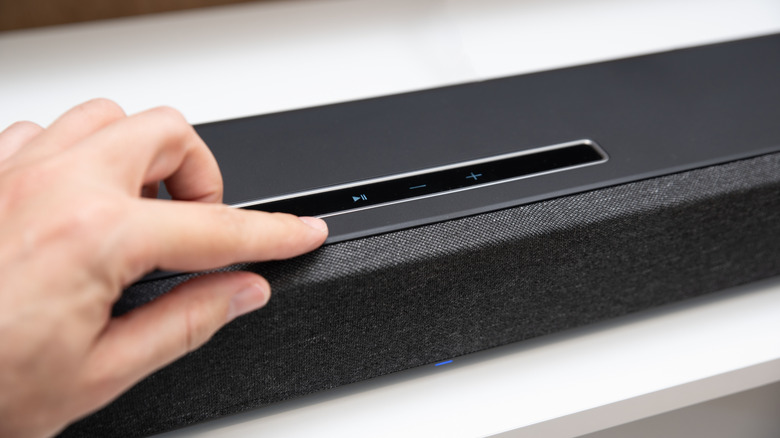
Similar to smart TVs and streaming devices, certain soundbars may occasionally require firmware updates. Brands like Samsung and LG allow you to download and install updates through a companion app (SmartThings and ThinQ, respectively), while other companies only allow updating via USB. And if that’s the only function of the USB port, it may even be labeled something like “Service Port Only.”
There are also brands that support both update methods, including big names like Samsung. If you’re not sure what your soundbar’s USB port is capable of, you should be able to find this info in the user manual that came with it. You can also look up the specs for most soundbars online, with USB capabilities typically falling under menus called something like “Inputs” or “Connections.”
Oh, and there’s one more soundbar USB port function we should mention: If you own a PC-friendly audio system, like the Razer Leviathan V2, the USB port may actually deliver both power and audio to your soundbar when it’s connected to your computer. Fortunately, the Leviathan V2 also has a power port for those who want to skip the USB audio input in favor of Bluetooth.



