Read more at:
There are many great uses for an external hard drive since it can not only expand your storage capacity, but also provide a way to safely store your backups. You could upload them to the cloud, which is safer in some ways, but you wouldn’t be able to retrieve them if you couldn’t access the internet. Plus, an external hard drive can be detached from your computer and stored safely away from the system you use it on. So while you can leave it plugged in all the time, a big reason why some experts recommend not to is the increased risk of a malware infection — specifically, the data-encrypting version called ransomware.
But while ransomware is a legitimate risk for a hard drive that is always plugged in, it’s likely a smaller problem to be concerned about than the risks associated with disconnecting the hard drive. Furthermore, there are several things you can do to significantly reduce the already-small risk of leaving the drive connected. Meanwhile, there’s an even bigger reason why you might not want to get into the habit of disconnecting the drive from your computer — constantly plugging and unplugging isn’t a sustainable strategy for backups in the long term. Eventually, you’ll be left without a recent backup, and that’s not a position you want to find yourself in, especially during an emergency.
Why unplugging your hard drive can pose a bigger risk than ransomware
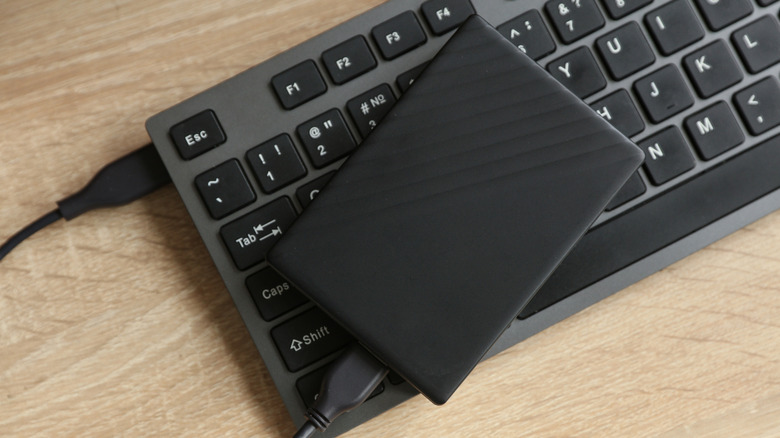
Automatic backups are the best way to keep your data safe since they run on a schedule. Once you set them up, your computer handles them like clockwork, ensuring that your latest files and settings are protected in the event of a crash. You don’t need to do anything, eliminating one of the biggest risks of backing up everything manually: forgetting to back up at all.
You can tell yourself that you’ll remember to do it, whether it’s once a day, twice a week, or whenever. But human error should always be accounted for, because while it’s unpredictable and unintentional, it’s also inevitable. Somewhere down the line, you will forget, since, as a human, you get tired, distracted, or just outright procrastinate. That’s the harsh reality of our cognitive abilities. For this reason, it’s best to leave that external hard drive plugged in, despite the risk of ransomware — that is, of course, presuming you use the drive for backups.
The good news is that, regardless of what you’re using the external drive for, ransomware is not that big of a threat for a couple of reasons. For one, the average person is not a prime target for ransomware attacks, as hackers these days are more focused on large companies and small businesses. Secondly, backups are often too large for ransomware to encrypt without increasing the chance that it will be detected — this is why such hacks usually target smaller files. Thirdly, most malware focuses on files stored on the system drive or shared network drives rather than those on an external drive.
You can significantly mitigate the risk of malware
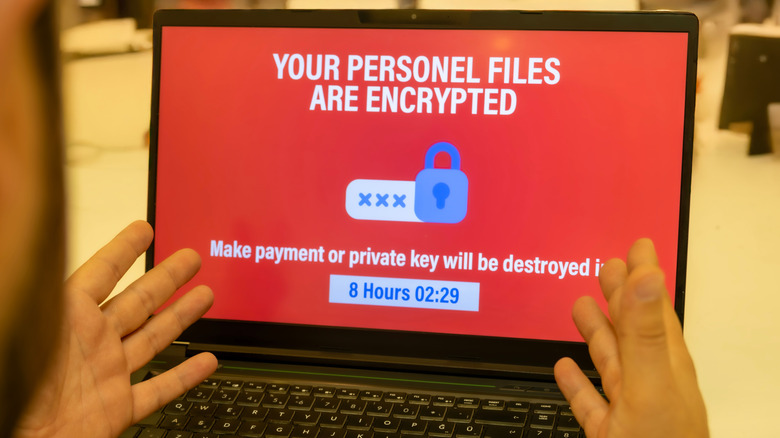
Even if you unplug the external hard drive, the risk of ransomware and other malware isn’t zero. Your computer can still get infected and transfer the infection to it the next time you plug in. Your best option is to ensure that the infection doesn’t happen in the first place by installing reputable security apps that actually protect your computer. Antivirus software is the most important of these, with Avira being highly recommended for Windows users (it’s also available on Mac), especially with its on-demand virus scanner, real-time scanning, and ability to automate scans. Also, it automatically updates its virus definitions, ensuring that you’re protected from the latest threats (another thing you might forget if you had to do it manually).
It’s also important to always keep your operating system up to date. Security updates, in particular, usually patch vulnerabilities that malware can exploit. If you’re particularly concerned about the threat of ransomware, consider connecting to the internet through a router instead of directly through a modem. A router acts like a firewall, thanks to features like network address translation (NAT), and uses security protocols that can protect your computer from online threats.
Other than that, it’s best to follow common practices that keep you safe when using the internet. For instance, don’t click on links or open attachments if you’re not sure where they came from. Also, only download software from official sources, such as the Microsoft Store, Apple App Store, or directly from the vendor’s website (provided it’s legitimate).



