Read more at:
Real-time incident reports coming from a large community of users is Waze’s signature feature, and it’s an important reason to choose this Google-owned navigation app over its sibling, Google Maps. However, the incident report capability isn’t identical for all markets, as local laws can affect a specific functionality. Police reporting, which has been available in Waze since the early days of the service, is one popular feature that’s not available in every country, with Europe being a good example. Some countries have forced Waze to turn off police incident reports, while others have laws in place that may compel Waze to temporarily remove police sightings from the app’s menu.
Most recently, Waze turned off the feature in Switzerland and Liechtenstein. It happened in August 2026, as a result of Swiss legislation, the Federal Act on Road Traffic. Waze noted the change in an update on its support pages for the two neighboring countries, explaining that article 98a of the law “prohibits devices intended to hinder, disrupt or render ineffective the official monitoring of road traffic, as well as warning road users about such checks.” The same support document also says that speed cameras are disabled in Switzerland in accordance with local laws. Since cameras aren’t present on the road, Waze has removed the camera incident report option in the region.
The change will primarily impact residents of Switzerland and Liechtenstein who use Waze for navigation, but also foreigners traveling by car in the two countries, as the service can restrict alerts based on location rather than account nationality.
Other Waze police reporting disruptions
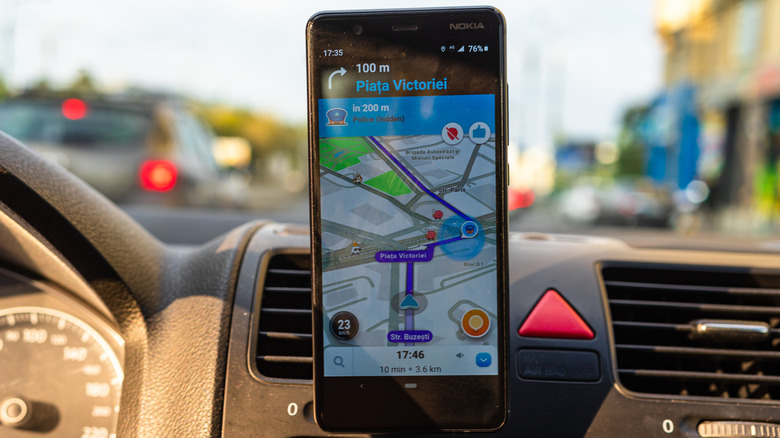
According to Radiolac, the Swiss legislation that forced Waze to remove police alerts from the app has been in effect for 13 years, but Google only complied with it in August 2026. Switzerland and Liechtenstein aren’t the only countries in Europe where Waze incident reports lack police-reporting options.
For example, France passed a law in 2019 that allows authorities to temporarily block police reporting in Waze and other apps. While the feature is meant to warn drivers of the presence of police patrols on highways and other roads, which may indicate that speed checks are being conducted, it can also interfere with other law enforcement activities. The French legislation can also be invoked to prevent Waze from showing police alerts in the app during manhunts and other police activities that are not related to traffic control, such as alcohol and drug testing checkpoints. In June 2026, the Court of Justice of the European Union (CJEU) ruled that EU member states can restrict reporting of certain roadside police checks, after the French measures were contested by a Waze competitor, Coyote. But unlike Switzerland and Liechtenstein, these measures have expiration dates. Separately, the app stopped showing police sightings in France during Covid-19 lockdowns in early 2020.
In other words, since Google has to operate its navigation apps in accordance with local laws, Waze users may find discrepancies between different countries. That means the lack of a police reporting icon isn’t a Waze bug when using the app in other regions. Unfortunately, Waze doesn’t offer a support document that details the local availability of police reporting. Instead, it explains that police-related features may not be available globally.
Can you replace Waze police reports with something else?
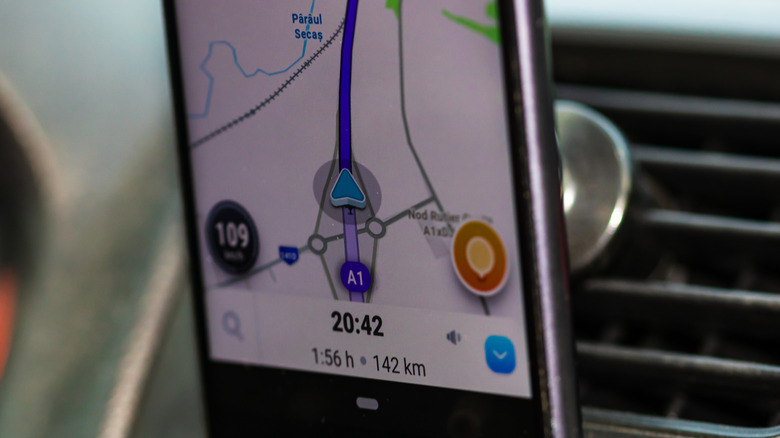
According to Google, when reporting the presence of a police car on the road, Waze users can choose the general term (“Police”) or select a more detailed option, such as Mobile Camera, Hidden, and Other Side. If police reporting is permanently or temporarily disabled in your region, you won’t have access to any of them. There’s no alternative to report police patrols in Waze. Other navigation apps, such as Google Maps and Apple Maps, may also support incident reports, but these applications also have to follow local legislation.
Respecting the speed limit is one way to ensure your safety and reduce the risk of speed fines in regions where police reporting isn’t available in Waze. The app can help with that, as it can display the current speed. To turn on the Speedometer feature, go to the Settings menu, tap Speedometer, and enable the Show Speedometer feature. The menu also lets users select the option to show the speed limit in the navigation panel and set a speeding threshold, which alerts the driver to slow down with an audible alert.
Finally, Waze users may still report certain speed cameras even if police reports aren’t available, as these are two different incident report categories in the app. However, that’s speculation based on the app’s incident reports menu. Users should check what incident report options are available in a specific region before a drive and especially when traveling abroad.



