Read more at:
The human eye can perceive high FPS; typically, the brain can process rapid visual changes and motion cues well beyond 200 FPS (due to temporal sensitivity limits), which is why some people want to maximize efficiency by playing games at higher FPS with a supported refresh rate—higher than 120. However, for most gamers, the sweet spot for capped FPS is between 60 and 120 FPS. But once you begin doubling that amount, the FPS gains stop mattering as much above 144 FPS.
Additionally, whether you dip below the sweet spot ultimately depends on your hardware, like your connected display, and your games (native support). For example, Nintendo Switch 2 may play up to 120 FPS, but that only happens at 1080p (undocked) or 1440p (docked) and requires a TV or monitor that supports it. Display capabilities matter because without the right refresh rate (Hz), the maximum attainable FPS won’t matter.
What matters more is the consistency of what you’re getting, as well as the balance between FPS and screen resolution. In the same example with the Nintendo Switch 2, the console might no longer offer 60 FPS for titles that natively support only 30 FPS. This usually happens because developers made games for the Nintendo Switch 1 and locked them at 30 FPS, then ported them to the Nintendo Switch 2. The Nintendo Switch 1 can technically support up to 60 FPS, but it was more common to see them locked at 30 FPS, which was all fine for a system that only supports 720p to 1080p. For many seasoned gamers, going from 60 to 30 FPS in the same graphical environment is a noticeable downgrade.
Your gaming monitor and TV makes a big impact on maximum FPS
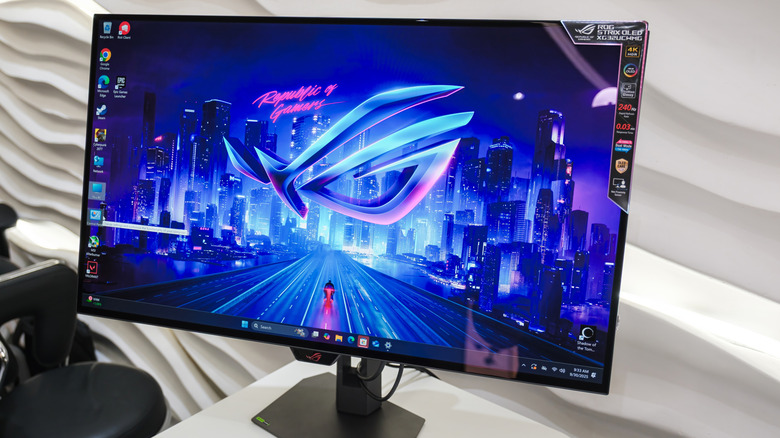
If your monitor doesn’t have a high enough refresh rate, like 120Hz, then playing anything above 60 FPS won’t matter. The same goes for your TV. The reason is that your monitor or TV needs to update the image fast enough to keep up with the number of frames the game/GPU produces. In general, a TV or monitor capable of 60Hz can handle a maximum of 60 FPS, and one at 120Hz can keep up to 120 FPS.
Though if you aren’t sure what refresh rate your display supports, you can check the settings or specs. For a monitor, right-click anywhere on the desktop to open “Display settings” from the context menu. Then find “Choose a refresh rate,” and click the dropdown menu to see all supported values (the highest should be at the top). For a TV, the manufacturer usually indicates the native refresh rate if you look up the exact model or read the box; otherwise, you will need to use a connected device like your console or computer and see what the highest refresh rate is listed for the connected output.
The impact of FPS varies by game
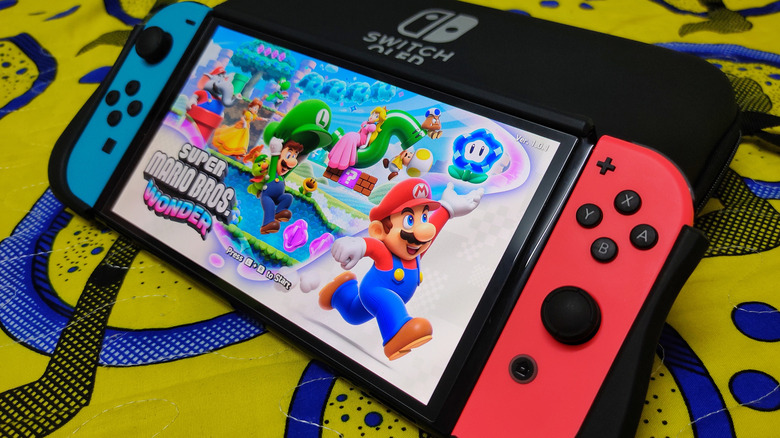
For some games, such as puzzle-oriented ones like Pokémon Café ReMix, lower FPS (30 FPS) works fine. In general, it shouldn’t be as noticeable if you primarily play handheld games or slower-paced titles that don’t involve a lot of moving around or constant input.
But if your main focus is competitive first-person shooters or action games, higher, stable frame rates matter a lot. If the games support 120 FPS, you should lock in that option, as it’ll be a much smoother experience and can also reduce input lag.
Some PC gaming titles also support uncapped frame rates. That’s when a 240Hz-360Hz monitor matters, along with your GPU: you can take advantage of higher frame rates than normal, but if you go above it, it is considered overkill and won’t matter because your display can’t keep up. Plus, the jump from 144 FPS to 240 FPS becomes less noticeable, and you also experience diminishing returns when you go beyond 240 FPS (this requires a 360Hz display).
However, this doesn’t account for other display features like variable refresh rate, display processing modes, resolution, and motion blur reduction technology, which can also affect frame pacing and perception.



